Tanilyn Zamora
Appointments on this personal calendar are assigned to Tanilyn Zamora.
https://links.midwestern-financial.com/widget/booking/pi9G8EuuN3CzsifGoUgP
Your tools, training, and carrier resources. Together in one workspace.
Sign in to access your agent tools and resources.
For Midwestern Financial agents.
Your systems, training, and provider directories, all within reach.
The tools you use, ready when you need them.
Open your everyday agent tools.
Launch systemManage contacts and your daily workflow.
Open CRMAccess the Midwestern Financial lead website.
Open lead websiteAccess your Integrity lead marketplace dashboard.
Open marketplaceCourses, training, and onboarding.
Explore trainingOpen Ask Integrity for agent training.
Open live trainingYour conversation guide and call notes.
Open call toolsSign in or register for Sales Professional Access.
Open carrier portalChoose a carrier to open its provider directory.
Agent resources
Choose what you need. Open a category to see its resources.
Build a steady source of requested conversations through useful education and local relationships. These activities need no ad purchase; printing, travel and your time may still cost money. Results are not guaranteed.
Fill in your business details to update the posts and scripts below. Complete any remaining bracketed event or recipient fields before use.
Choose your name, then use your personal booking link in approved Facebook posts, Nextdoor posts and landing pages. “Use in my posts” fills your name and link into the copy tools on this page.
Appointments on this personal calendar are assigned to Tanilyn Zamora.
Appointments on this personal calendar are assigned to Victoria Prather.
Appointments on this personal calendar are assigned to Eva Canaday.
Appointments on this personal calendar are assigned to Ignacio Santillan.
Appointments on this personal calendar are assigned to Kenneth Christian.
These are personal calendars, so they book the named agent. If you need help with availability, notifications or routing, message Kenneth before promoting the link.
Copy a caption, pair it with a graphic where shown, and use your approved professional Page or a group that permits it.
Pair with the Medicare Questions graphic below.
Pair with the Prepare Your Questions graphic below.
Pair with the Before A Change graphic below.
Local visibility, useful conversations
Nextdoor can be a useful local channel alongside Facebook. Its Business Pages support free posts and messages from neighbors. Use helpful education and your correct individual booking link.
Nextdoor Business Page guide ↗Use the image named in each post. The first three match the picture ads immediately above.
For an educational event, keep the actual event educational and follow the current carrier/CMS event requirements. Do not add enrollment or plan-sales activity to the education invitation.
Four educational starting points for Facebook, Nextdoor and requested field conversations. Adapt the topic to the actual audience and complete review.
Use your agent photo or neutral community imagery. No VA seal, military insignia, uniform, claim of VA endorsement or promise of extra benefits. Do not say a Medicare plan replaces VA coverage.
Use your own agent portrait and a simple checklist. Do not use a physician’s name, photo, logo or an implied endorsement without permission. Verify any provider participation claim against the exact plan.
Use your agent photo and neutral educational wording. Do not claim guaranteed acceptance, no underwriting, universal savings or that Medigap works with Medicare Advantage. Check state-specific rules and carrier-approved materials.
Start with questions, not dollar promises. To advertise a specific MA benefit or cost, use the exact approved plan/year/service-area language and required insurer identification. Complete carrier review before use.
Educational Facebook and Nextdoor templates to personalize with your own company details. Complete the required review before posting.
Use only after a host confirms the event. Replace every bracketed field. Review any venue and carrier requirements before posting.
Pair with Prepare Your Questions. This copy has no specific plan or benefit claim. Paid placement still needs a separate platform and carrier review.
For public organization outreach. Do not claim the facility endorses the agency. Never imply residency creates special benefits or enrollment eligibility.
Use these pictures and captions with your own company identity. Choose one helpful topic and keep the next step simple.
Start with one or two helpful posts each week. Use your own voice, honor requests to stop contact, and record permission through the agency’s approved process. A like or a public comment alone is not permission to call or text.
These are educational drafts for review. Verify any plan-specific claim and required disclosure before publishing. Do not put Medicare numbers, medical details or client records into public posts or image prompts.
Message Kenneth with your draft or a screenshot. We can help you choose a picture, personalize a caption or find the correct booking link.
Email KennethPicture ads + your own creative assistant
Start with a generic picture ad. Add your own company logo, name and verified contact details in ChatGPT or Canva, then pair it with the matching caption.
Download picture ads & prompts ↗ Open agent instructions ↗
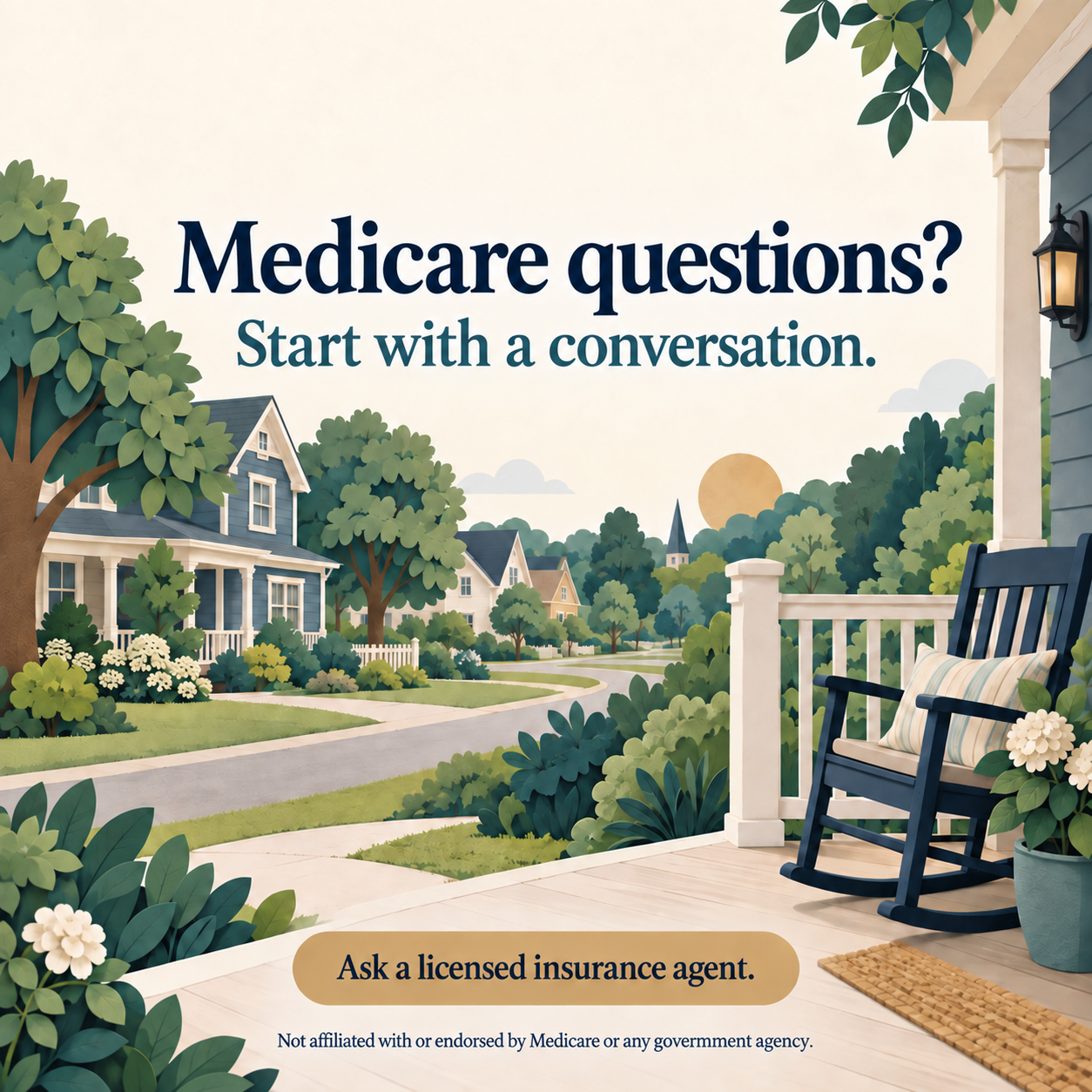

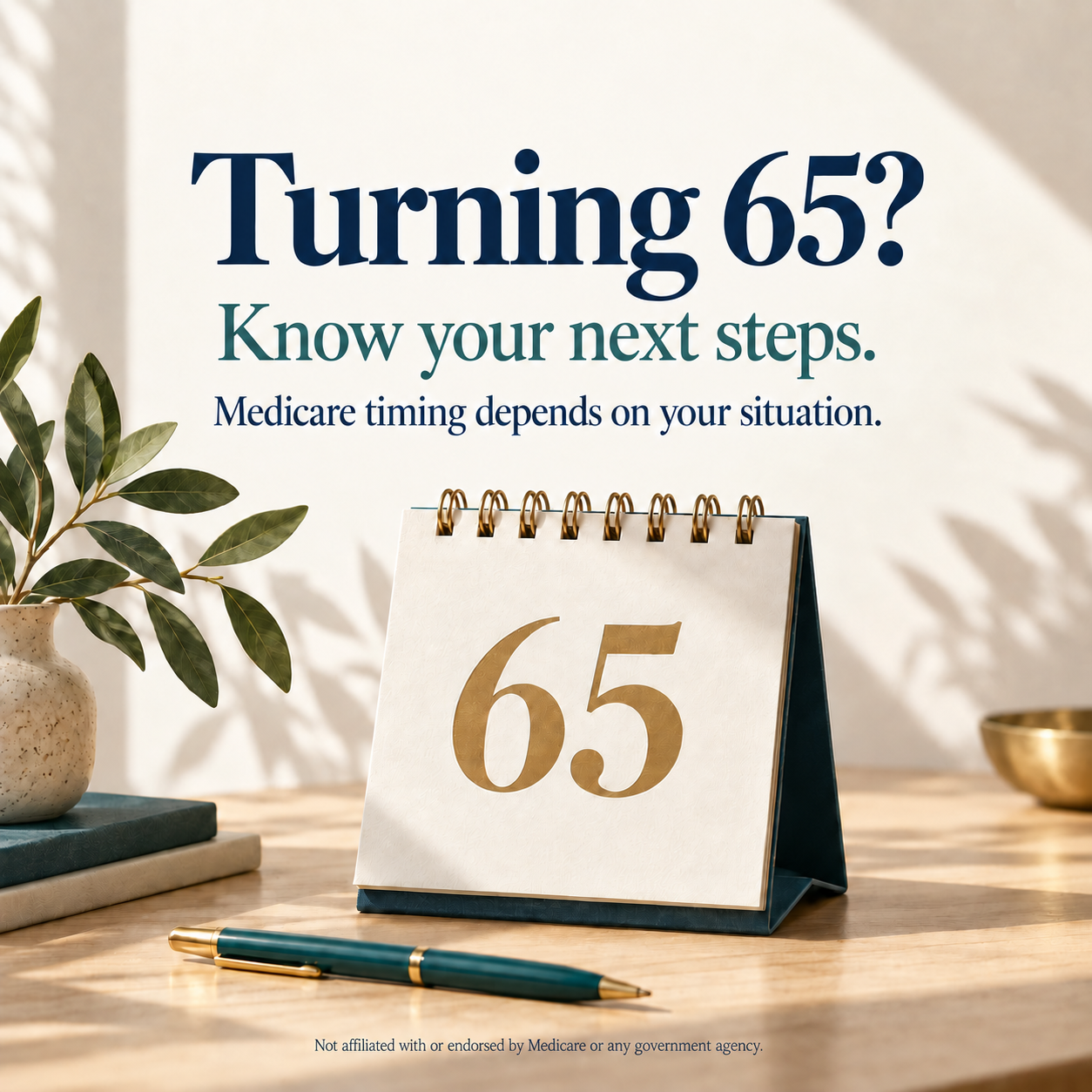
These generic AI-created drafts have no agency logo. Add your own company branding before publishing. Review them for the actual audience and placement before use. The government-affiliation sentence does not replace any applicable TPMO or other disclosure.
Use this at the beginning of a regular ChatGPT conversation, or as instructions for a team-approved custom GPT named Midwestern Financial AI Image. A separate GPT is optional; the picture prompts above work directly in ChatGPT. This portal link opens ChatGPT, not a published custom GPT.
For a custom GPT: add the instructions, enable image generation if available, upload your own company logo and approved marketing references, test the output, and share only with intended agents. Keep client records out of its knowledge files.
Your real photo. Your own company logo. One clear message that fits your licensed service area.
Use the logo for your own business or agency, with permission. Save a clear PNG with a transparent background when available. Attach that file to ChatGPT and identify it as your company logo. If you do not have a logo, use your verified company name as text and leave room to add a logo later.
Choose a clear, current headshot with room around your head and shoulders. In ChatGPT, attach your own company logo and your photo. Tell it which is which and preserve your identity.
Verify your name, number, logo and full image edges. Keep the booking link in the caption. If AI changes the logo or misspells text, finish those elements in Canva using the original logo file.
Open ChatGPT ↗From your Canva library
12 designs, organized so you can find the right format quickly. These are reference previews of the original Canva drafts.
Use a square or landscape post for Facebook or Nextdoor. Choose a vertical version for Stories.
Open Canva and make a copy before editing. Add your verified name, phone and booking link; complete the required review.
Download a full-resolution PNG for a still post or MP4 for video. Pair it with a complete caption from this page.
Preview images are not full-resolution ad downloads. Canva may ask you to sign in or request access. Ask Kenneth for access to the specific design if needed. The Medicare-card drafts require review under 42 CFR 422.2262(a)(1)(xvii); do not treat these as approved ads.
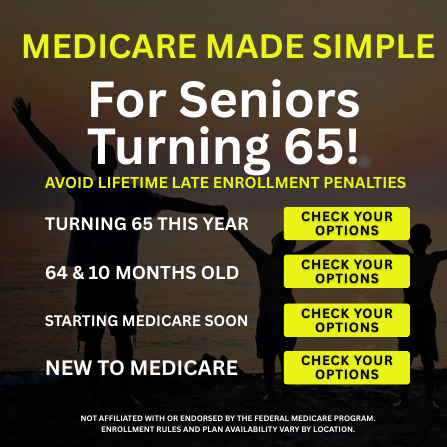
Shared draft — verify agency history, enrollment wording and every plan claim before adapting. Enrollment is automatic for some people; avoid blanket statements.
Open in Canva ↗ View original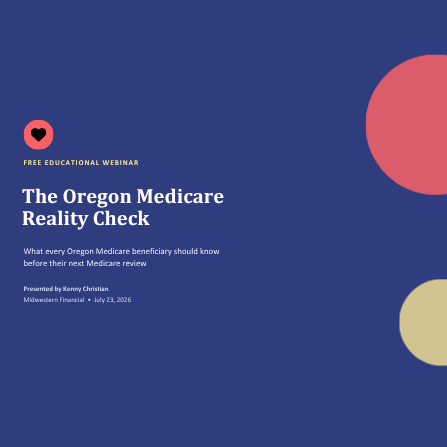
Archived event — the date has passed. Create a new copy and update every event detail before reuse.
Open in Canva ↗ View original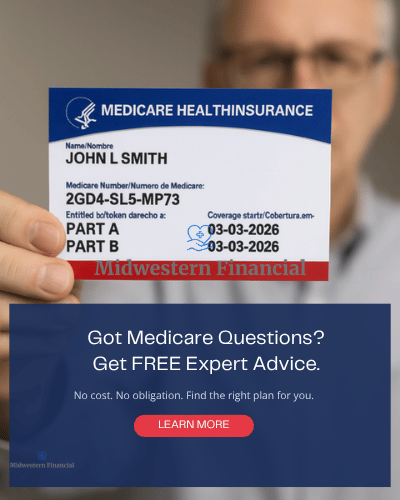
Original draft — review before posting. Medicare-card imagery needs CMS authorization; replace it unless that authorization is documented.
Open in Canva ↗ View original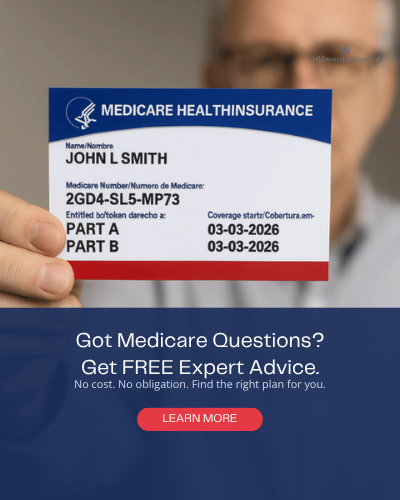
Original draft — review before posting. Medicare-card imagery needs CMS authorization; replace it unless that authorization is documented.
Open in Canva ↗ View original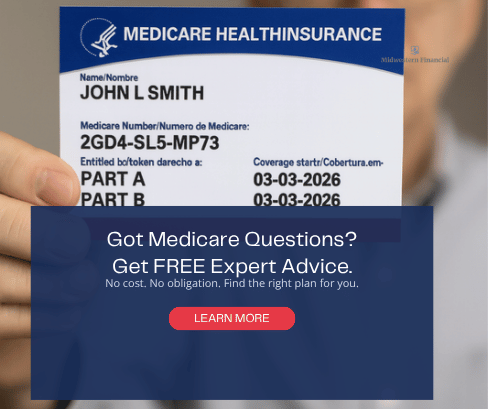
Original draft — review before posting. Medicare-card imagery needs CMS authorization; replace it unless that authorization is documented.
Open in Canva ↗ View original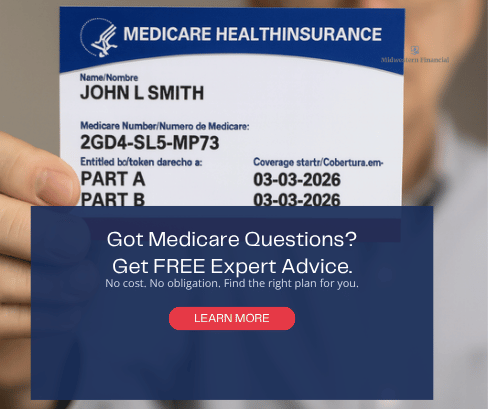
Original draft — review before posting. Medicare-card imagery needs CMS authorization; replace it unless that authorization is documented.
Open in Canva ↗ View original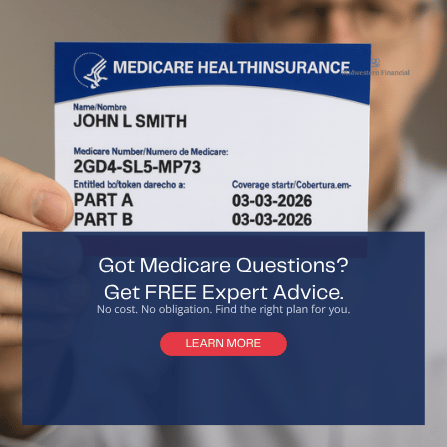
Original draft — review before posting. Medicare-card imagery needs CMS authorization; replace it unless that authorization is documented.
Open in Canva ↗ View original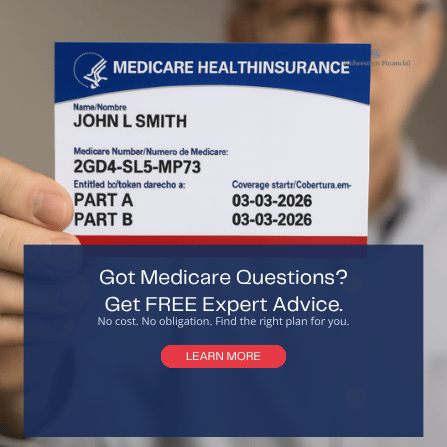
Original draft — review before posting. Medicare-card imagery needs CMS authorization; replace it unless that authorization is documented.
Open in Canva ↗ View original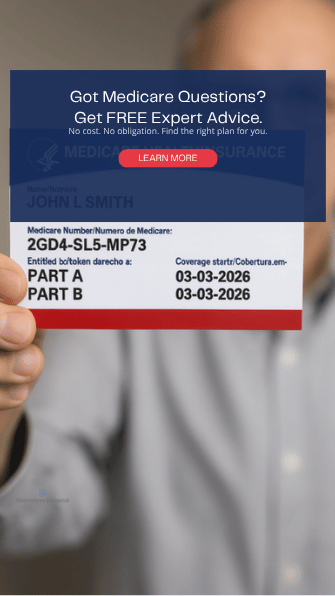
Original draft — review before posting. Medicare-card imagery needs CMS authorization; replace it unless that authorization is documented.
Open in Canva ↗ View original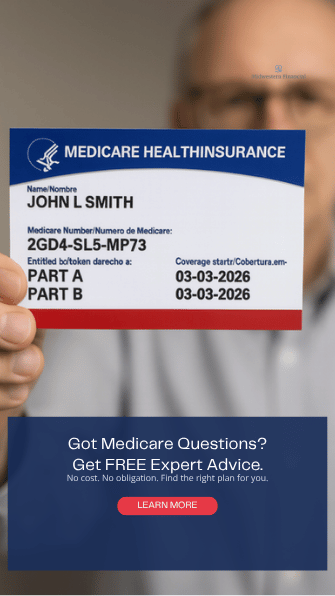
Original draft — review before posting. Medicare-card imagery needs CMS authorization; replace it unless that authorization is documented.
Open in Canva ↗ View original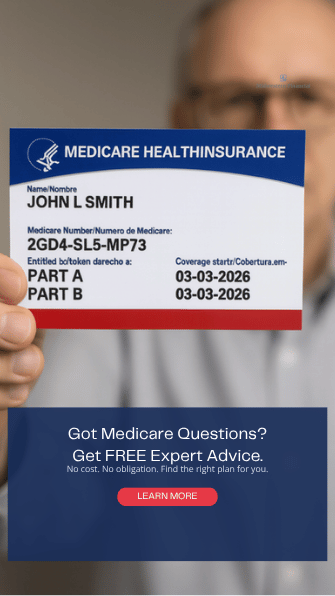
Original draft — review before posting. Medicare-card imagery needs CMS authorization; replace it unless that authorization is documented.
Open in Canva ↗ View original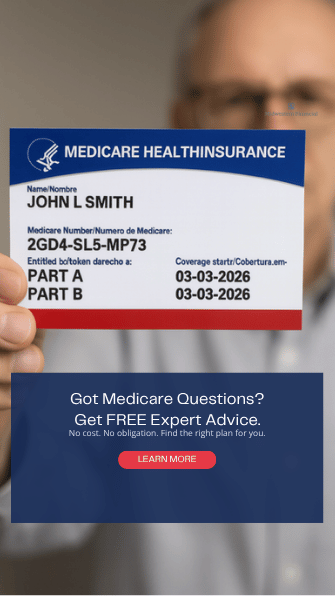
Original draft — review before posting. Medicare-card imagery needs CMS authorization; replace it unless that authorization is documented.
Open in Canva ↗ View originalUse the director scripts for organization outreach. Individual resident conversations must be requested and private.
Earn requested conversations with useful education. No purchased lead list or ad budget is required.
Verify your contact details and licensed states. Choose two channels. Personalize three posts. Identify ten public organization contacts and request one education conversation.
Publish three educational posts. Contact up to five organization business contacts within their policies. Practice the director script. Follow up only on permissioned requests.
Arrange or deliver one approved educational session if a host is available. Share the participant guide. Publish three posts and one short educational video.
Publish the remaining three posts. Review which sources generated requested conversations. Keep the two best activities. Schedule the next education topic with a willing host.
Each Friday record aggregate counts: posts published; organization conversations; educational sessions; inbound requests; valid permission records; appointments completed; applications; and actual expenses. Do not put personal lead details in a shared marketing tracker. Aim for a consistent routine, not a promised number of enrollments.
Generic team versions of the saved Victoria materials, plus new social graphics. Editable Word files and graphics are included in the complete ZIP kit.
17 editable slides for community groups, residents and families. Replace presenter placeholders before use.
PowerPoint ↗View PDF ↗Two-page plain-language handout with coverage questions and official resources.
View PDF ↗A one-page introduction for a facility or community program coordinator.
View PDF ↗The full outreach plan, Facebook captions, scripts, tools and review guidance.
View PDF ↗Download every caption and outreach script as plain text.
Text file ↗All presentation, PDF, Word, PNG, SVG and text files in one download.
Download ZIP ↗Edition: September 16, 2026. Educational drafts for agent customization and applicable agency/carrier review. Original Canva designs are indexed in the gallery above. The ZIP kit contains the separate generic team materials below.
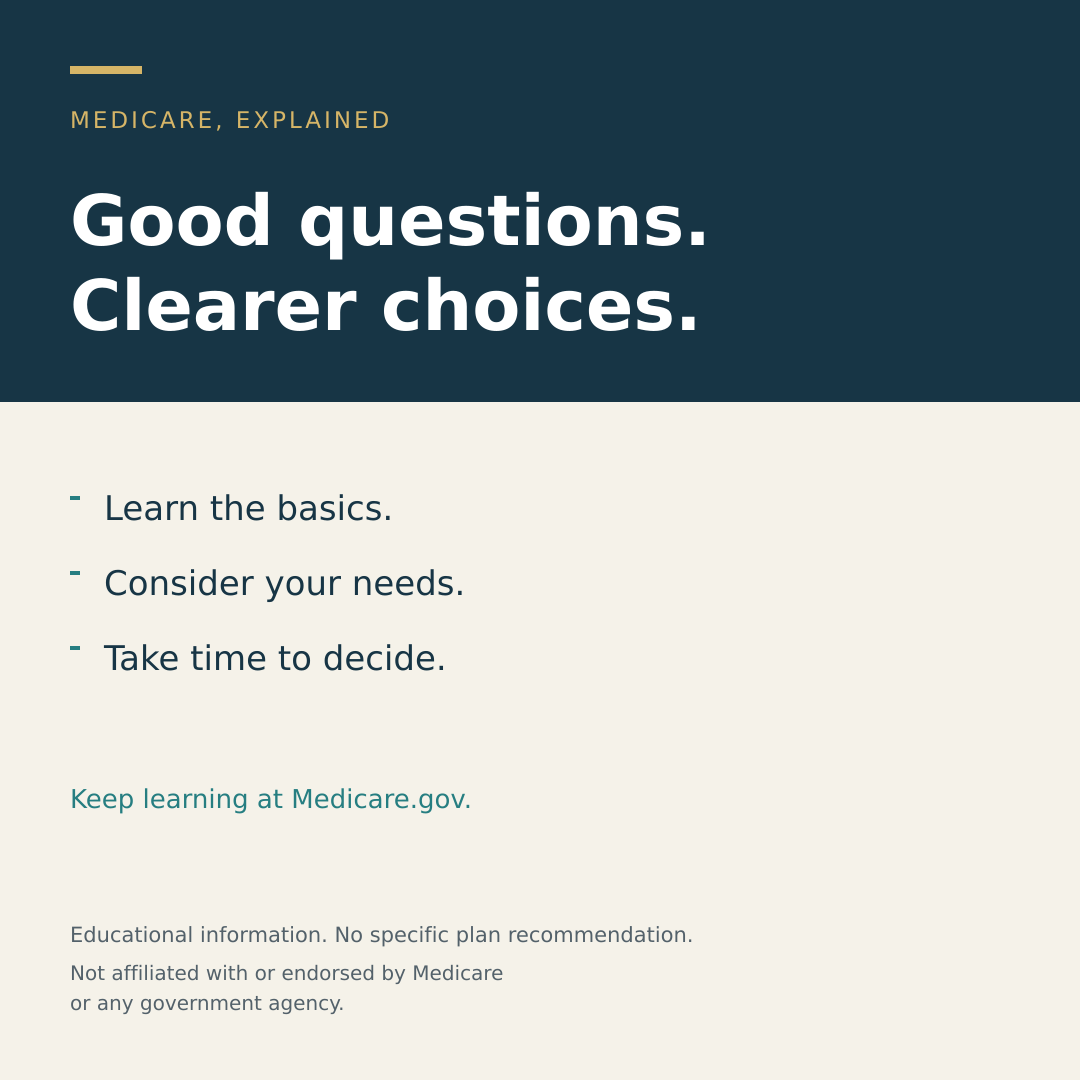
Pair with Facebook post 1. Use the complete personalized caption with its disclosure.
Open graphic ↗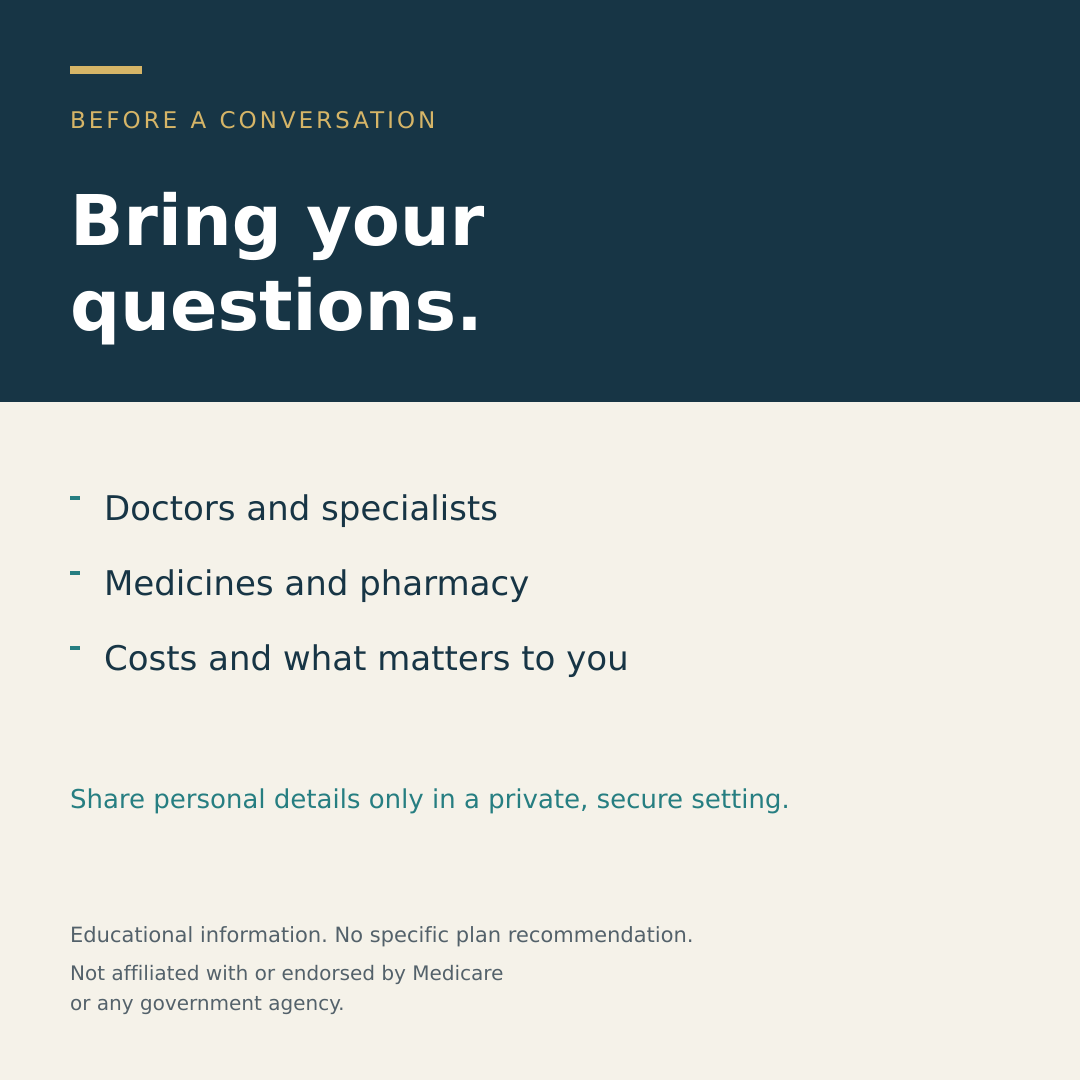
Pair with Facebook post 4. Use the complete personalized caption with its disclosure.
Open graphic ↗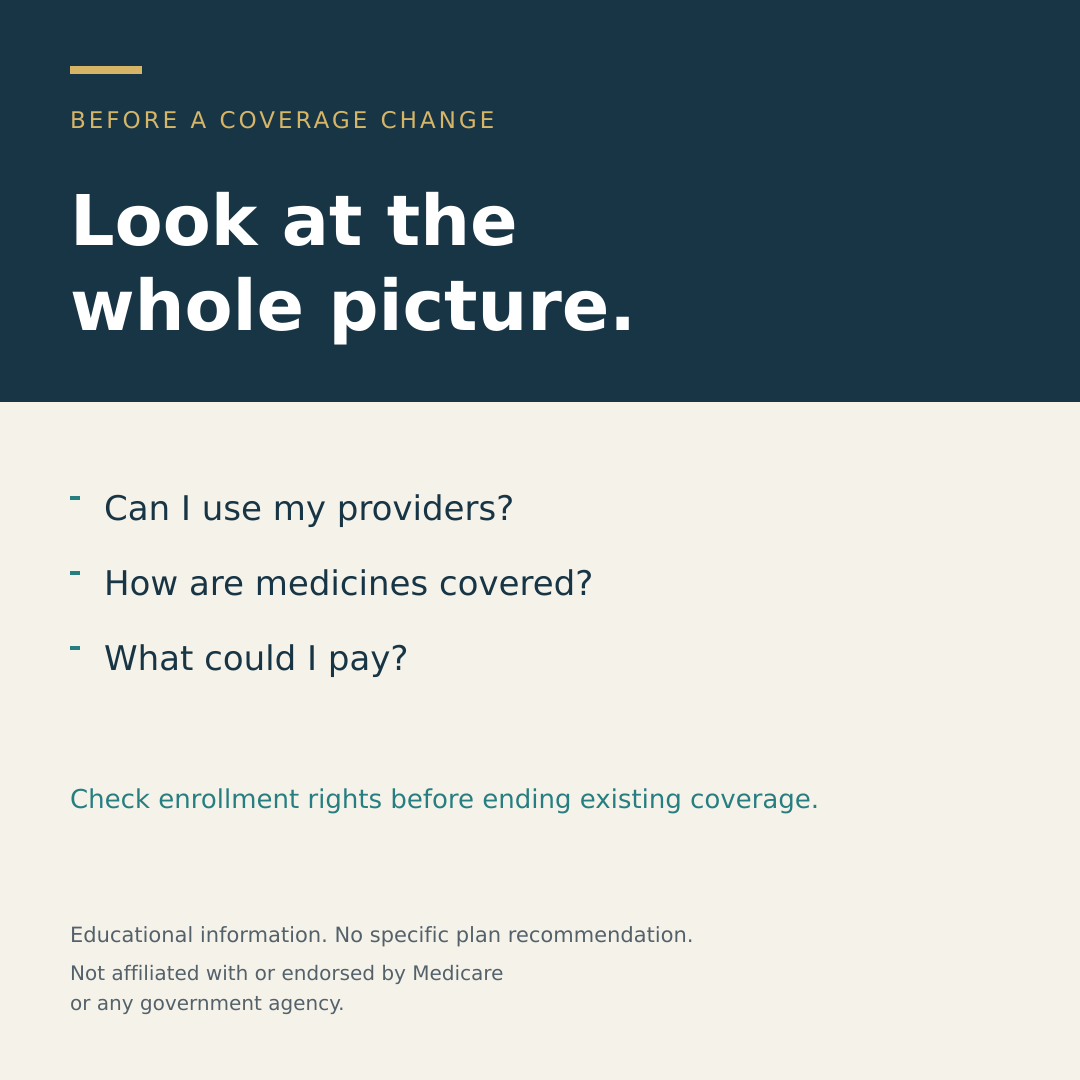
Pair with Facebook post 8. Use the complete personalized caption with its disclosure.
Open graphic ↗Keep your contact details, permissions and materials current.
Eligible businesses can claim or add a profile at no charge. Keep accurate contact details and use public educational updates. Confirm practitioner and address eligibility before creating a profile.
Open resource ↗Use your existing professional Page to publish the supplied captions and track responses. Where scheduling is available in your account, arrange three organic posts per week. A paid boost is optional and outside this free plan.
Open resource ↗Use your current account to customize approved designs. Keep masters separate from agent copies. Export social images and print PDFs; check whether an asset or export requires payment before using it. Do not upload beneficiary information.
Open resource ↗Use official coverage explanations and Plan Compare to verify information. Link to official resources; do not imply your agency is part of Medicare.
Open resource ↗Find free, impartial Medicare counseling for a resident’s state. This is a beneficiary resource, not a prospect list or agency endorsement.
Open resource ↗Use the approved private contact record for permission evidence, requested topics, appointments and opt-outs. Existing software or phone charges may apply. Do not use Discord as a beneficiary database.
Open resource ↗Rules checked September 16, 2026. Recheck current requirements and carrier procedures before use.
Start with one resource. Add your details, review it, then use it.